

A personal portfolio website gives you more control than a scattered collection of files or social links. With the right structure, it helps visitors understand your specialty, review your work, and decide whether they want to contact or recommend you.
Quick takeaways
- Use a clear headline and positioning statement.
- Show work with context, not images alone.
- Support trust with a professional introduction and useful details.
- Make the site easy to browse on mobile and desktop.
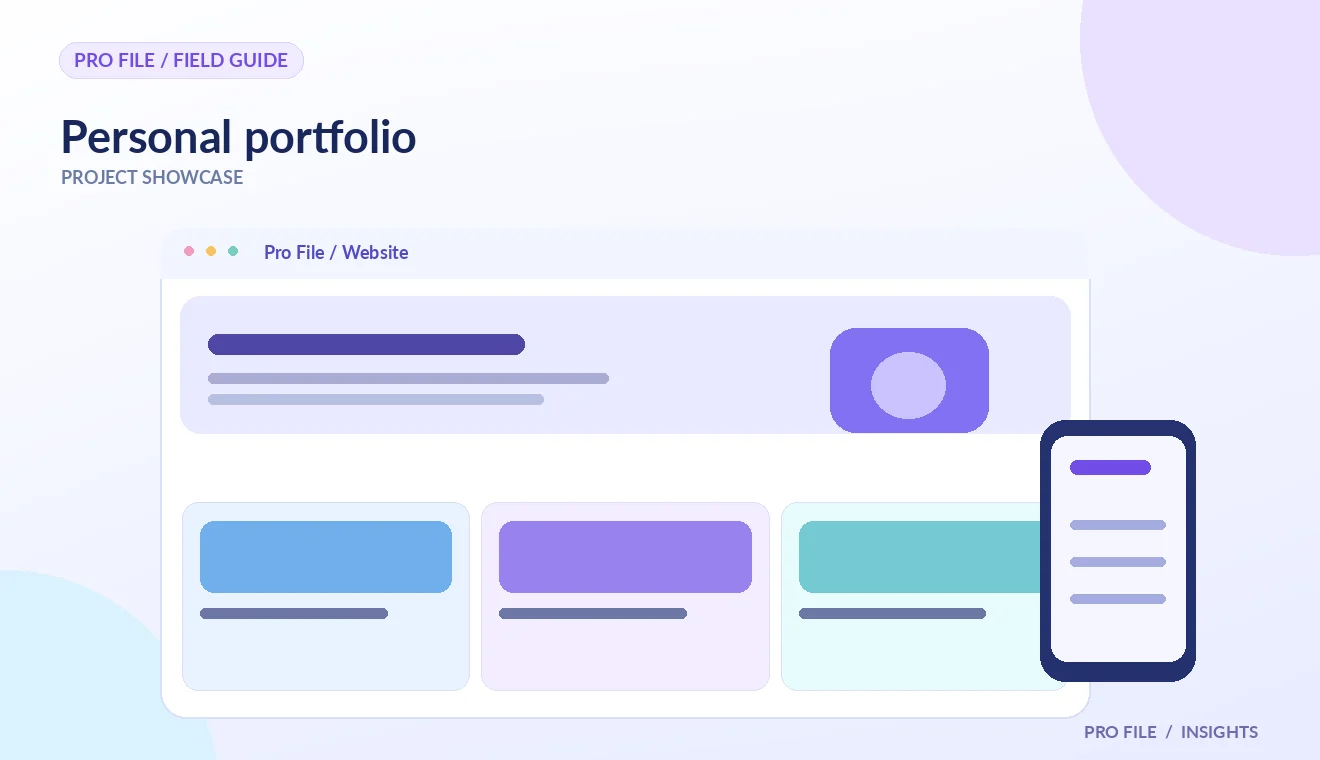
Introduce yourself clearly
The first screen should explain who you are, what you do, and who you help. A simple, focused statement is much more effective than vague self-praise.
Use the opening section to create immediate clarity and guide the visitor toward your work.
When the value is clear early, visitors are more likely to continue browsing.
Your first screen does not need your entire history. It needs a clear answer to who you are, what you offer, and whom you help. Pair a focused headline with a strong work sample and an obvious contact route. If you work across several disciplines, group projects by type instead of showing one undifferentiated gallery.
- Name and specialty
- Short professional summary
- Clear value statement
- Visible next-step action
Organize the core sections
Many personal portfolio sites work well with a home page, projects or work section, an about section, and a contact section. Some people also benefit from a services or articles section.
The point is not to add many pages, but to make important information easy to find.
Even a one-page layout can work if the sections are well ordered.
Sketch the information architecture before designing: Home, Work, About, and Contact are often enough. Some professions benefit from a Services page or a downloadable CV; others can work well as a concise single-page site. The goal is easy access to relevant projects, not the longest navigation menu.
- Home
- Projects or work
- About
- Contact
Show projects with context
A visitor should understand what the project was, what your role was, and what kind of result or thinking it involved.
Project case studies make your work feel more credible and more valuable than screenshots alone.
Even a short explanation can help the work feel more meaningful and memorable.
A useful case study explains the challenge, your role, the decisions you made, and what you are permitted to show. Use clear screenshots with short captions so readers understand what they are looking at. A beautiful image by itself rarely explains your specific contribution.
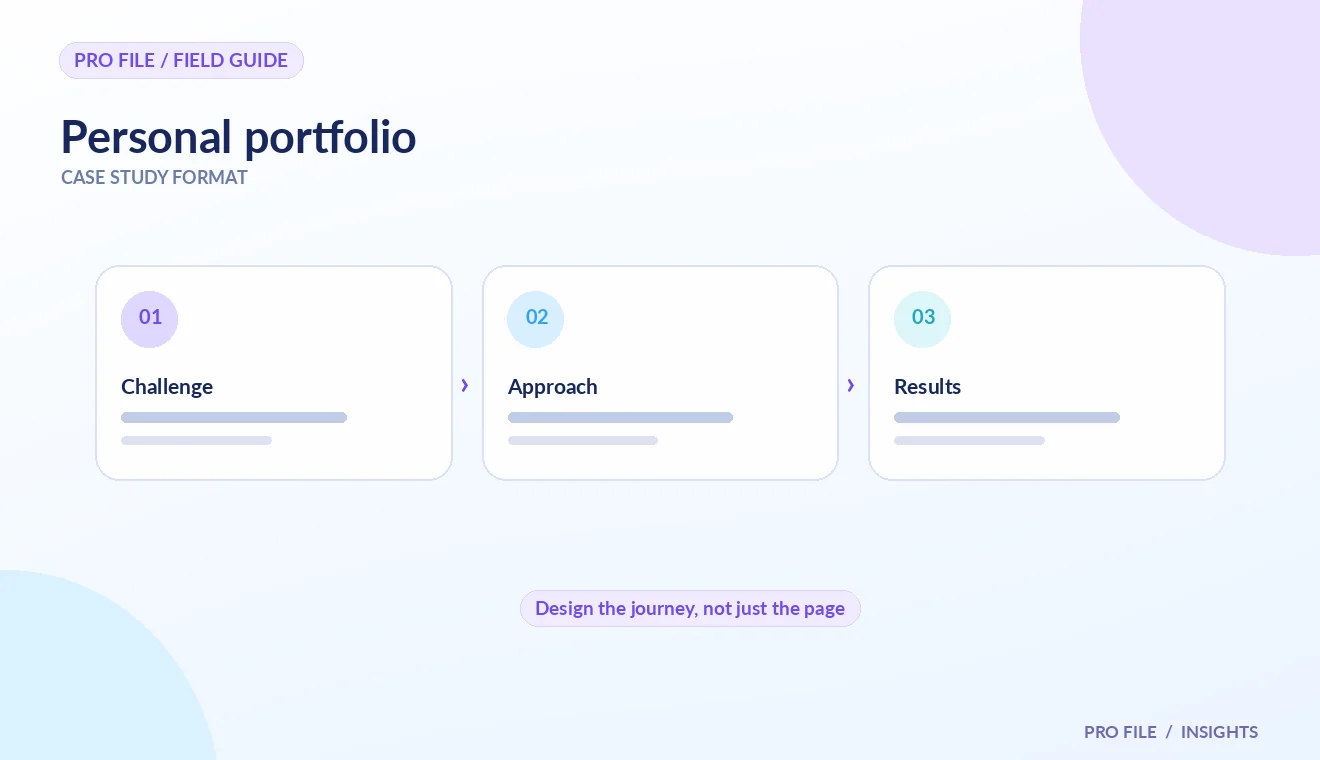
- Project name and type
- Your role
- Selected visuals
- Outcome or value
Explained work is usually stronger than unexplained work.
Build trust with the right details
Add a professional bio, selected experience, useful platform links, and other details that support credibility.
For some specialties, tools, industries, or client types may also matter.
These details reassure visitors that the work is backed by real experience and professionalism.
When a project was collaborative, identify your responsibilities and credit the team appropriately. Live links are valuable when they work and can be shared publicly, but a private project can still be described through approved screenshots and a thoughtful summary. Accuracy builds trust.
- Short bio
- Relevant experience
- Professional links
- Useful supporting details
Design for usability
A good portfolio should be easy to read, fast to load, and comfortable to browse on mobile.
Use clear navigation, readable text, optimized images, and visible buttons or contact actions.
Good usability helps the work stand out rather than getting buried inside a confusing interface.
Test images and navigation on a realistic mobile connection, and avoid motion that gets in the way of reading. Use clear headings, sufficient contrast, and meaningful alternative text for important images. Make the contact route available without requiring visitors to hunt through the footer.
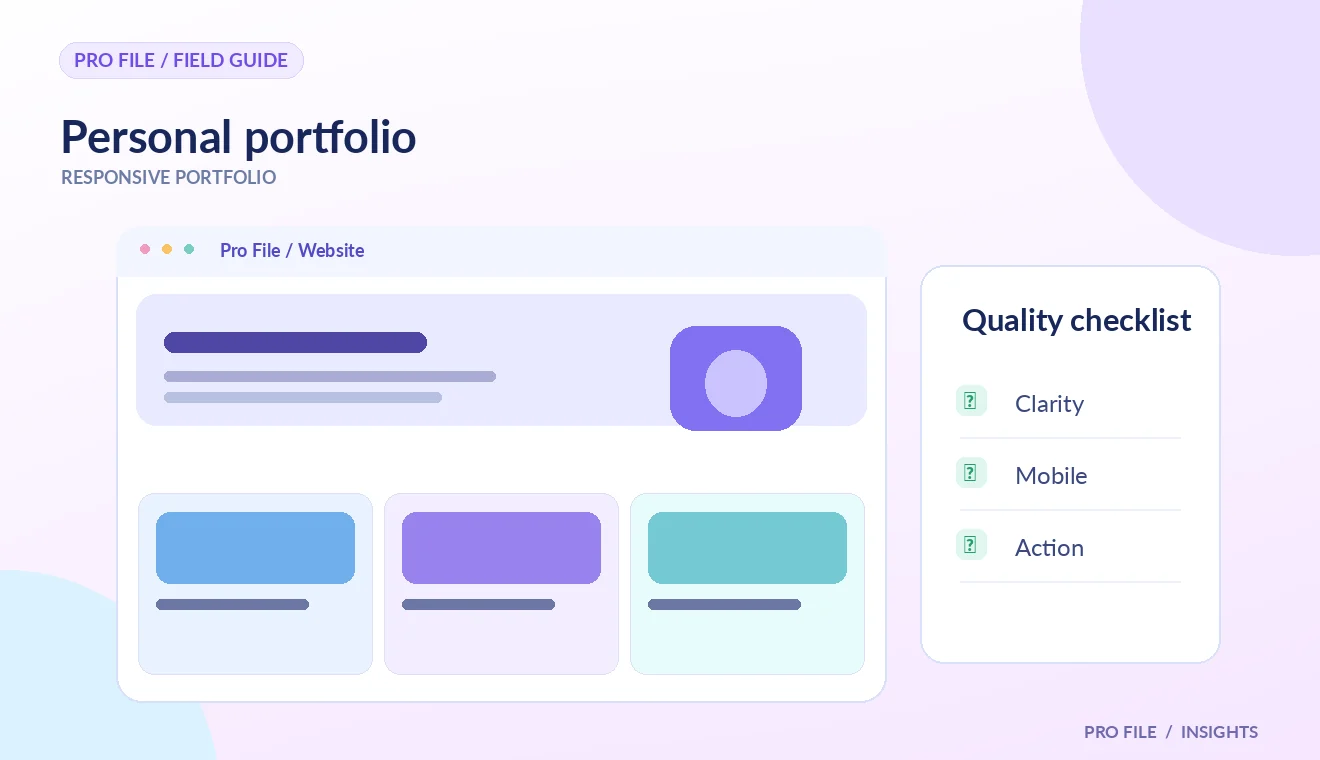
- Responsive design
- Image optimization
- Simple navigation
- Visible contact action
Keep it updated
A portfolio site works best when it evolves with your work. Add stronger projects, remove outdated ones, and refresh your introduction when your focus changes.
It also helps to direct visitors toward a clear action such as contacting you or viewing a specific type of work.
A well-maintained portfolio becomes an active business asset, not just a static gallery.
Review the portfolio regularly so old links and weaker projects do not undermine newer work. Decide what action matters most: email you, book a call, or download your CV. A clear primary call to action can work better than several competing buttons.
- Add recent work
- Remove weak outdated content
- Keep your message current
- Use clear calls to action
Your portfolio should grow as your professional direction grows.
Frequently asked questions
Do I still need a portfolio site if I already use Behance or LinkedIn?
Those platforms are useful, but your own site gives you more control over structure, branding, and visitor experience.
Do I need many projects before launching?
Not necessarily. A few well-presented projects are often stronger than many unstructured ones.
Is a portfolio site useful outside creative fields?
Yes. It can be valuable in many professions where you need to present work, projects, or services clearly.
Want to put this into practice?
Tell us what you are building and we will help you choose the right presentation format.
Discuss your project
