

Your CV is often the first professional impression an employer gets about you. A good CV helps the reader understand your background quickly, see your strengths, and decide whether to continue the conversation.
Quick takeaways
- Start with a clear job target before writing.
- Write experience in terms of contribution and results, not duties alone.
- Use a clean layout that is easy to scan on screen and in PDF.
- Tailor the final version for each serious opportunity.
Define the goal of the CV
Before drafting any section, decide which role or direction you are targeting. A CV written for a general audience usually feels vague, while a targeted CV feels more relevant from the first few lines.
Identify the key requirements in the job post and decide which parts of your experience deserve the most attention. This helps you focus on what matters instead of trying to say everything at once.
If you apply to different types of roles, keep a master CV and prepare tailored versions from it.
Write a one-sentence target for your next role, then review a few relevant job descriptions to identify recurring responsibilities. The goal is not to copy them but to prioritize your genuine experience. A CV written for every possible role often fails to explain why you fit any particular one.
- Target role or field
- Top requirements in the role
- Most relevant experience to highlight
- Whether the emphasis should be on work, projects, or skills
A focused CV is easier to read and more persuasive.
Build a clear structure
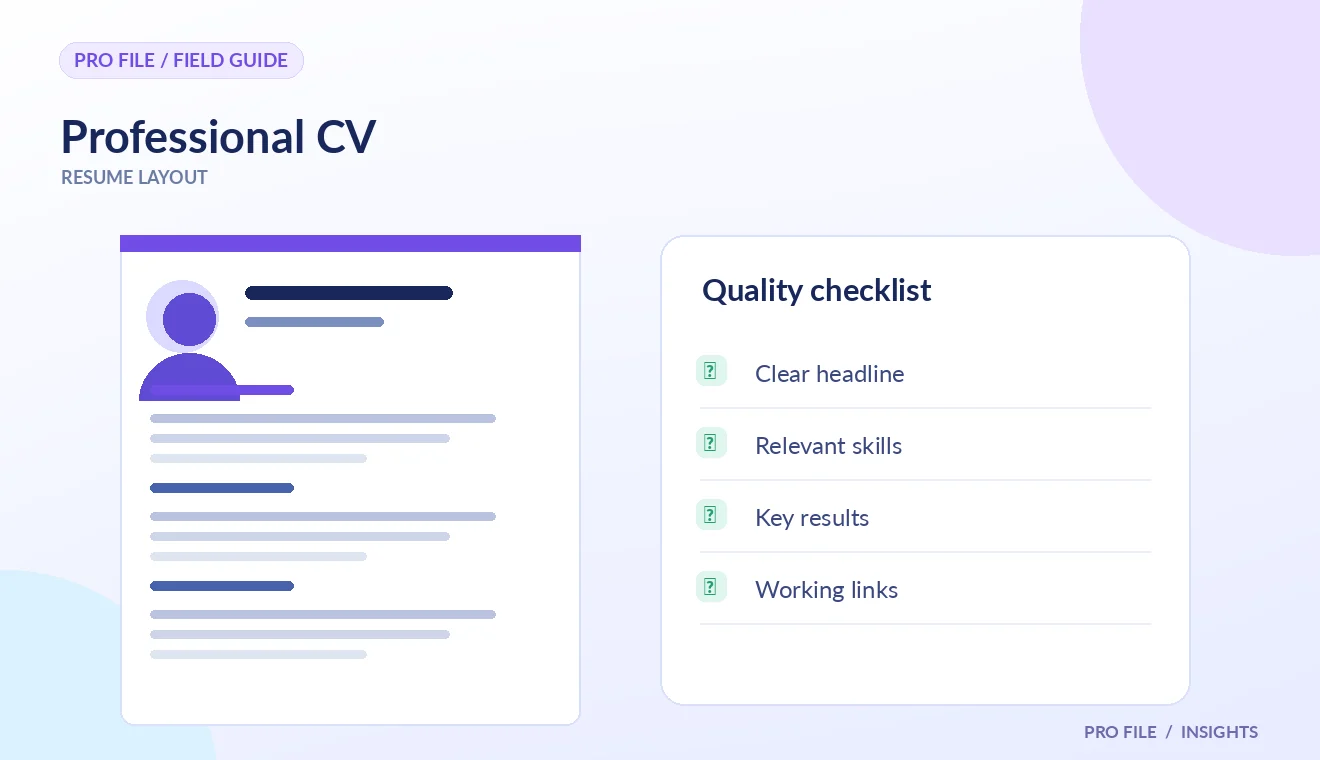
In most cases, your CV should include contact details, a short professional summary, work experience, education, and relevant skills or certifications. The order can shift depending on your background.
Use the summary to explain your value clearly in two or three lines. Avoid generic phrases and write a practical statement about your area of experience and the value you bring.
Entry-level candidates may lead with education and projects, while experienced candidates should usually lead with work history.
Use sections a recruiter can recognize immediately. If your professional experience is limited but your projects are strong, give the projects enough space to show what you can do. If you have many years of experience, summarize older roles while describing more recent, relevant responsibilities in greater detail.
- Name and professional direction
- Updated contact details
- Short summary
- Experience, education, skills, and certifications
Write experience with impact
The experience section should explain what you did and why it mattered. Start bullet points with active verbs and keep them concise.
Whenever possible, connect the work to a result, improvement, or responsibility that mattered. Even without exact numbers, you can still describe outcomes clearly.
Choose the points that are most relevant to the target role instead of listing everything equally.
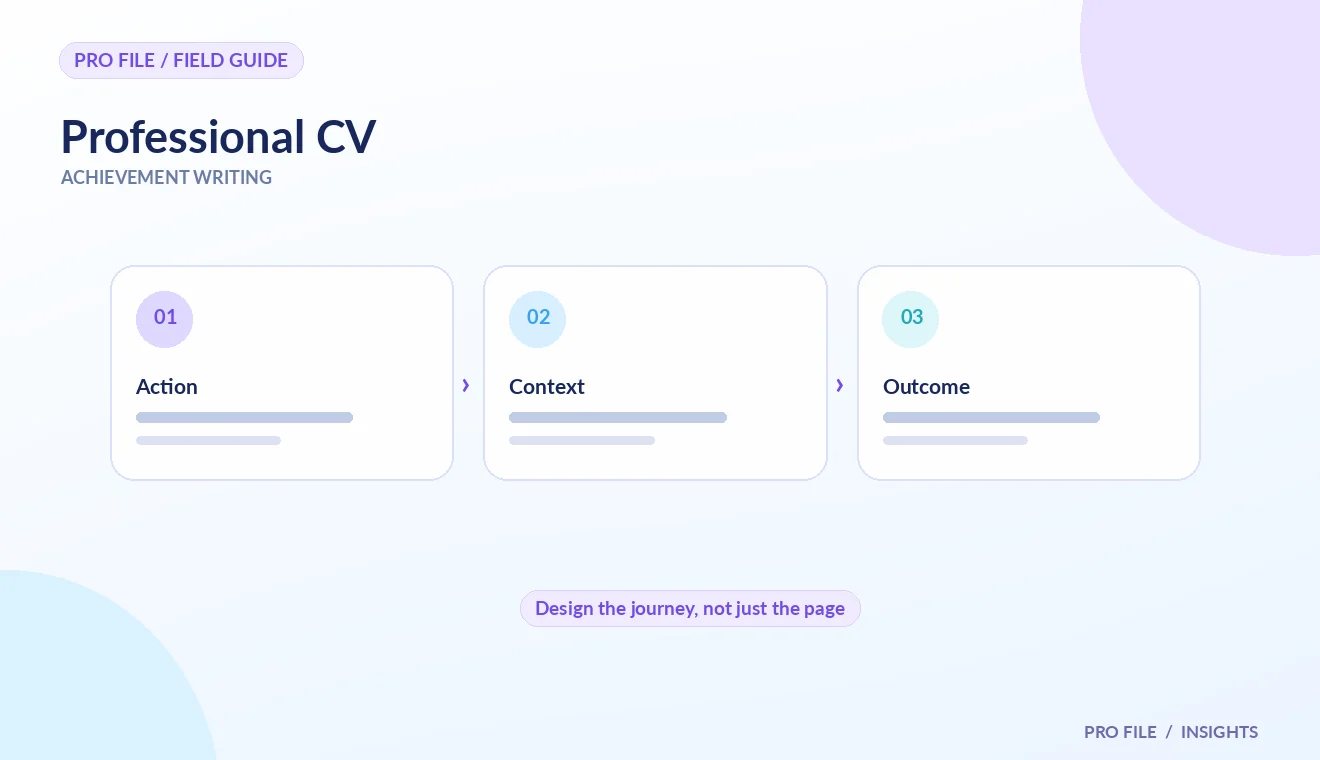
Each experience point should answer three questions: what did you do, in what context, and what changed? Not every activity needs a number. Mention team size, client type, tools, or scope when it adds clarity. If an achievement was a team effort, describe your contribution accurately.
- Use clear action verbs
- Show outcomes or value
- Keep bullets concise
- Prioritize relevance
Measured results are especially powerful when they are accurate and easy to understand.
Keep the layout readable
A professional CV does not need heavy decoration. It needs clear headings, consistent spacing, and a clean reading flow.
Choose readable fonts, balanced white space, and a format that stays stable when exported to PDF. If you use accents or color, keep them subtle.
Design should support clarity, not compete with the content.
Create a clear hierarchy: name first, then section headings and job titles, followed by details. Enough whitespace makes the document scannable, but large decorative gaps waste useful space. Review the CV in grayscale to check that its readability does not depend on colors alone.
- Readable headings
- Balanced spacing
- Simple typography
- Reliable PDF export
Tailor each important application
Sending one generic CV to every company reduces your chances. Tailoring does not always mean rewriting from scratch. Often it means adjusting the summary, changing the order of points, and highlighting the right skills.
Review the wording of the role and reflect matching language naturally where it is genuinely relevant.
This small effort can make your application feel far more aligned with the employer’s needs.
Keep one factual master CV and make tailored copies for important applications. Change the order of projects, emphasize relevant skills, and adjust the professional summary, but do not distort job titles, dates, or outcomes. Good tailoring makes real experience easier to recognize.
- Update the summary
- Reorder the most relevant experience
- Highlight required tools or skills
- Reflect the role language naturally
Review before sending
Always do a final quality check: spelling, dates, links, and contact details. Read the document as if you were the employer.
Open the file on a phone as well as a desktop to catch formatting issues. Ask another person to review it if possible.
Save a final PDF with a professional filename and keep an editable version for future updates.
Your final quality check should include small but important details: the contact number, working links, consistent dates, accurate company names, and spelling. Give the file a meaningful name and keep an editable source copy. Opening it on a second device can reveal issues you missed.
- Check grammar and spelling
- Verify dates and links
- Test readability on mobile
- Use a professional file name
A polished final review strengthens the overall impression immediately.
Frequently asked questions
How long should a CV be?
Many early-career candidates do well with one page, while experienced professionals may need two. The key is relevance and clarity, not length alone.
Should I add a photo?
It depends on the market and role. If it is not expected, leaving it out is often fine.
Should I send Word or PDF?
PDF is usually the better option because it preserves formatting across devices.
Want to put this into practice?
Tell us what you are building and we will help you choose the right presentation format.
Discuss your project
